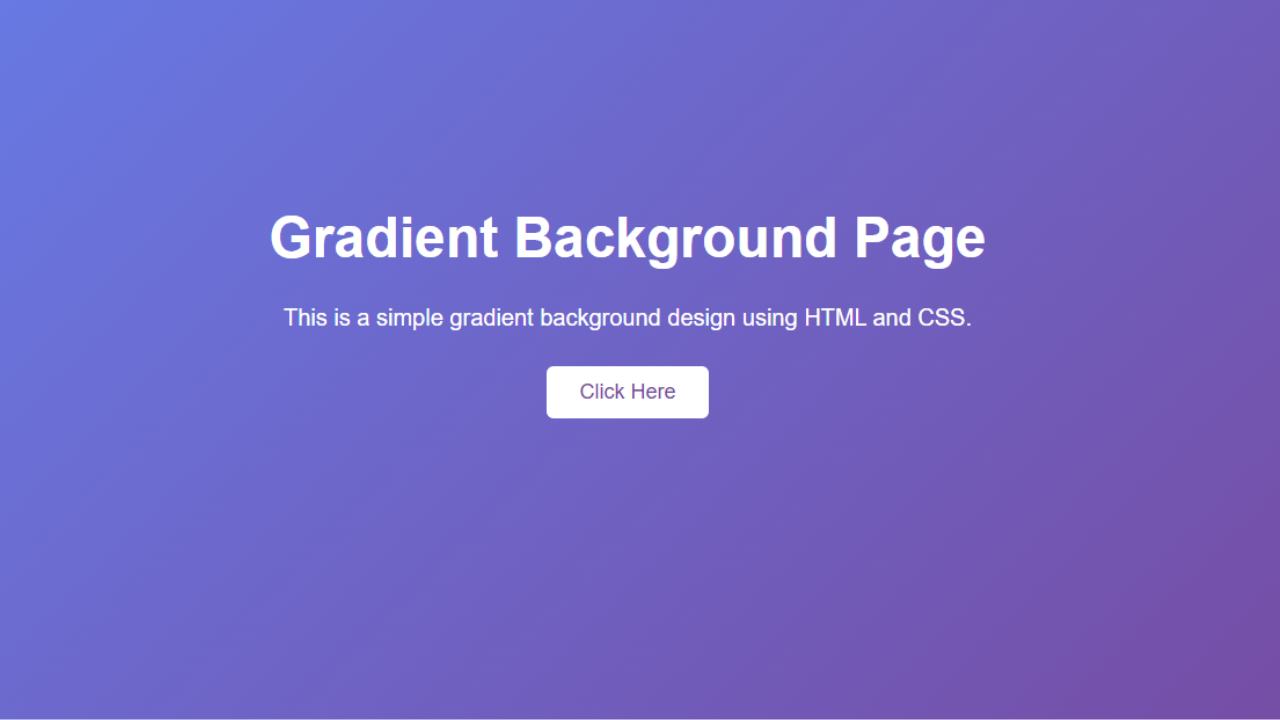

Gradient Background Page design is one of the most beautiful and modern techniques in web design. Hello friend, I am Tapas, this is your 100 Days of Frontend Web Design, Day 2, today we will learn how to make our webpage gradient. In the world of web design, if the background page of your website is gradient, then your website will look very beautiful. Gradient is a color mixer background which is a combination of two or more colors.
Gradient background gives a website a modern look, visually appealing and makes your website look professional. It doesn’t take much code to create this background, you can do this code in very few lines. Let’s explain to you in today’s blog what is gradient, its types, how to make gradient in a simple way.
Table of Contents
ToggleWhat is Gradient Background?
A gradient is a smooth transition between two or more colors that makes your web page look very attractive and professional.
Two types of gradients are commonly used in CSS:
- Linear Gradient
- Radial Gradient
In this project today, we will use linear gradients on our web page.
Create Gradient Background Page
					<!DOCTYPE html>
<html lang="en">
<head>
    <meta charset="UTF-8">
    <title>Gradient Background Page</title>

    <style>
        * {
            margin: 0;
            padding: 0;
            box-sizing: border-box;
        }

        body {
            height: 100vh;
            display: flex;
            justify-content: center;
            align-items: center;
            font-family: Arial, sans-serif;
            background: linear-gradient(135deg, #667eea, #764ba2);
        }

        .container {
            text-align: center;
            color: white;
        }

        h1 {
            font-size: 48px;
            margin-bottom: 20px;
        }

        p {
            font-size: 20px;
            margin-bottom: 30px;
        }

        button {
            padding: 12px 28px;
            font-size: 18px;
            border: none;
            border-radius: 6px;
            cursor: pointer;
            background-color: white;
            color: #764ba2;
            transition: 0.3s ease;
        }

        button:hover {
            background-color: #f1f1f1;
            transform: scale(1.05);
        }
    </style>
</head>

<body>

    <div class="container">
        <h1><span class="ez-toc-section" id="Gradient_Background_Page"></span>Gradient Background Page<span class="ez-toc-section-end"></span></h1>
        <p>This is a simple gradient background design using HTML and CSS.</p>
        <button>Click Here</button>
    </div>

</body>
</html>
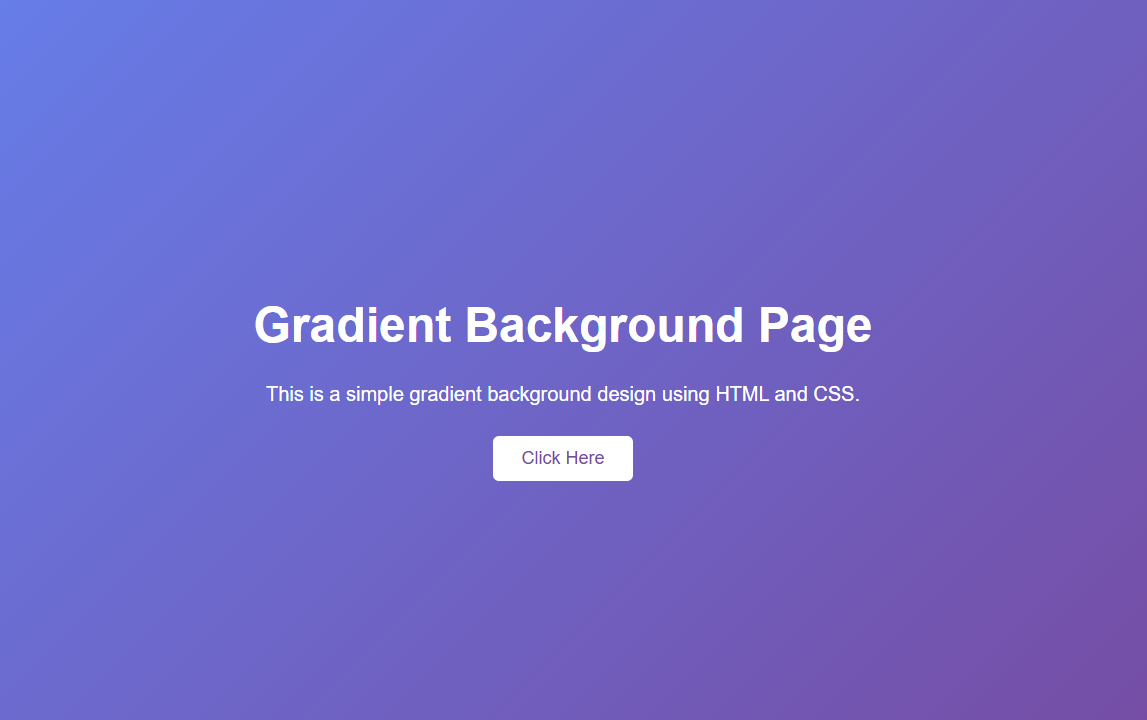
Output:-
Explain Code:-
1. background: linear-gradient(135deg, #667eea, #764ba2):
- 135deg:- This attribute determines which direction the color will go.
- #667eea:- This is First Color.
- #764ba2:- This is Second Colors.
2: height: 100vh:
This attribute is used to display gradient colors across the entire screen of your webpage.
3: display: flex:
This attribute is used to bring in content on its web page.
What to do if you want to change the gradient
Just change this line:
background: linear-gradient(135deg, #yourcolor1, #yourcolor2);
Example:
background: linear-gradient(to right, #ff6a00, #ee0979);
Used three colors:
background: linear-gradient(135deg, #ff6a00, #ee0979, #fad0c4);
Used Radial Gradient:
background: radial-gradient(circle, #ff6a00, #ee0979);
Conclusion:-
As you can see, gradient backgrounds are very easy to use on websites. You can make your website look modern, attractive and professional using CSS.