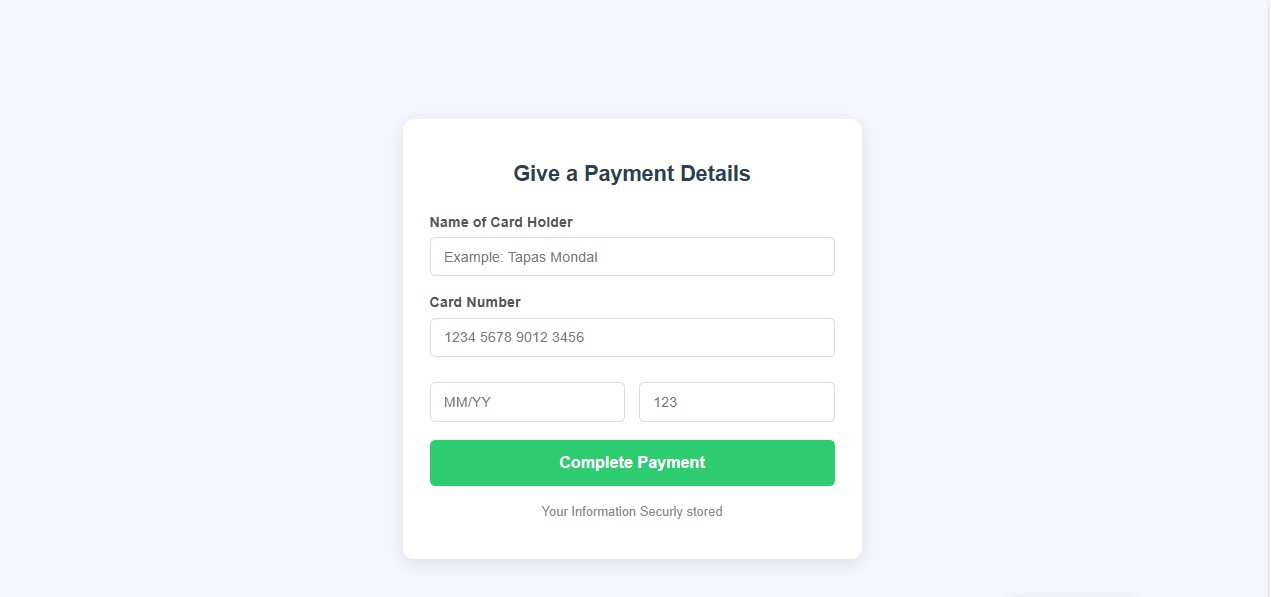
Have you ever made a payment online or seen an online payment form somewhere? For example, online shops, college semester payments, or any other e-commerce website. Today we will see how to create a payment form using HTML and CSS.
Table of Contents
ToggleHTML Code
We will create the structure of this project with this HTML.
<!DOCTYPE html>
<html lang="en">
<head>
    <meta charset="UTF-8">
    <meta name="viewport" content="width=device-width, initial-scale=1.0">
    <title>Secure Payment</title>
    <link rel="stylesheet" href="./style.css">
</head>
<body>
    <div class="container">
        <h1><span class="ez-toc-section" id="Give_a_Payment_Details"></span>Give a Payment Details<span class="ez-toc-section-end"></span></h1>
        <form action="#" method="post">
            <div class="input-group">
                <label for="cardholder">Name of Card Holder</label>
                <input type="text" id="cardholder" name="cardholder" placeholder="Example: Tapas Mondal" required>
            </div>

            <div class="input-group">
                <label for="cardnumber">Card Number</label>
                <input type="text" id="cardnumber" name="cardnumber" placeholder="1234 5678 9012 3456" required>
            </div>

            <div class="flex-group">
                <div class="input-group">
                    <label for="expiry"></label>
                    <input type="text" id="expiry" name="expiry" placeholder="MM/YY" maxlength="5">
                </div>

                <div class="input-group">
                    <label for="cvv"></label>
                    <input type="text" id="cvv" name="cvv" placeholder="123" maxlength="3" required>
                </div>
            </div>

            <!--payment button-->
            <button type="submit" class="pay-btn">Complete Payment</button>
        </form>
        <p class="secure-note">Your Information Securly stored</p>
    </div>
</body>
</html>
- I have created various
inputfields in this form using HTML so that the user can input their card information such as name, card number, etc. - I used
labeltags because the user can understand which field to enter what information. - I have used a feature called html
requiredso that if important information is not provided, the payment will not be completed.
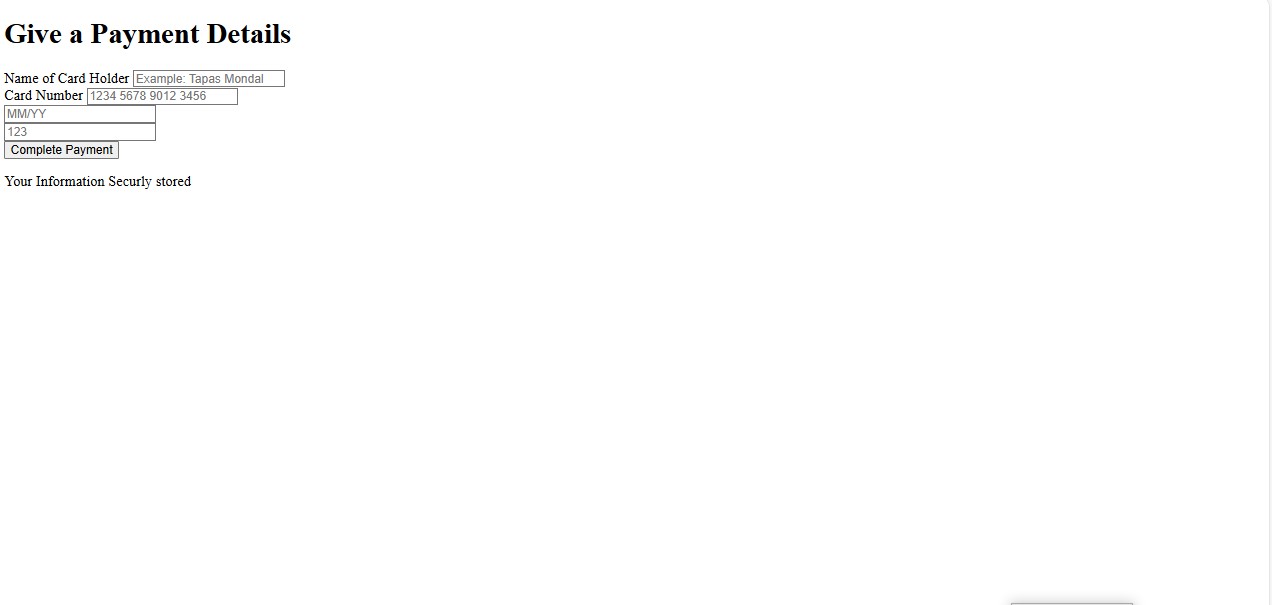
HTML Output
CSS Code
As you can see above, I have created a basic structure of HTML using HTML, which I will make beautiful and stylish with this CSS.
					body{
    font-family: sans-serif;
    background-color: #f4f7fe;
    display: flex;
    justify-content: center;
    align-items: center;
    min-height: 100vh;
    margin: 0;
    color: #333;
}

.container{
    background-color: white;
    padding: 30px;
    border-radius: 12px;
    box-shadow: 0 5px 20px rgba(0, 0, 0, 0.1);
    width: 100%;
    max-width: 450px;
}

h1{
    text-align: center;
    color: #2c3e50;
    margin-bottom: 30px;
    font-size: 1.5em;
}

/*input group style*/
.input-group{
    margin-bottom: 20px;
}

label{
    display: block;
    margin-bottom: 8px;
    font-weight: 600;
    color: #555;
}

input[type="text"]{
    width: 100%;
    padding: 12px 15px;
    border: 1px solid #ddd;
    border-radius: 6px;
    font-size: 16px;
    box-sizing: border-box;
    transition: border 0.3s ease;
}

input[type="text"]:focus{
    outline: none;
    border-color: #3498db;
    box-shadow: 0 0 5px rgba(52, 152, 219, 0.3);
}

/*Style of keeping expiry and CVV side by side*/
.flex-group{
    display: flex;
    gap: 15px; /*gap of two element*/
}

.flex-group .input-group{
    flex: 1;
}

/*Payment button style*/
.pay-btn{
    width: 100%;
    padding: 15px;
    background-color: #2ecc71; /*green color*/
    color: white;
    border: none;
    border-radius: 6px;
    font-size: 18px;
    font-weight: bold;
    cursor: pointer;
    transition: background-color 0.3s ease;
}

.pay-btn:hover{
    background-color: #27ae60;
}

/*Secure note*/
.secure-note{
    text-align: center;
    font-size: 0.9em;
    color: #7f8c8d;
    margin-top: 20px;
}
- Font:- I have used the font sans serif in this css file which is used in most payment forms. You can use any other font if you want.
- Layout:- I have brought the entire form to the center of the page using
flex-boxin css. Which looks very attractive. - Design:- I used a
box-shadowto give a shadow like a card and aborder-radiusto make the card round. - Interaction: I used
focusand hover to give feedback of a niceborderand color shadow when a user clicks on the input field. - Responsive: I used this class Flex Group so that this form opens and displays properly on a small device, so I used this class to make the form responsive.
Output with HTML & CSS